



Monitoring Your BlumSafe From Afar: The 2026 Smart Sensor Update
By Rob Blum, founder of BlumSafe. October 2026.
BlumSafe designs and builds unique wall safes, secure display cabinets and concealment furniture in the USA. This guide is written for anyone who wants to protect a collection at home, whoever made the safe.
Summary: to remotely monitor a wall safe from your phone, put a smart sensor inside the door and pair it with a hub. Our pick for 2026 is the Aqara Multi-State Sensor P100, run through an Aqara hub or Home Assistant.
Getting an alert when your safe door opens is now trivially easy, but getting an alert when someone is attacking your safe still requires a hub. The good news is that today’s hubs are smaller, cheaper, provide much greater functionality across your home and are (mostly) far friendlier than the ones we recommended a few years ago.
In early 2024 we published “Monitoring my BlumSafe from Afar”, which built on our even earlier pieces about security cameras and the Samsung SmartThings sensors. Many of you will have your legacy hardwired alarm company, or one of the really cool custom-installed, high-end home automation systems like Control4 or Savant, wire up your BlumSafe. That is perfectly fine. But many more of you, especially those of you who are comfortable with IoT (Internet of Things) appliances, will seek the DIY path to connectivity, with the added benefit of working with your current apps and avoiding letting one more outside contractor know where your safe is. The smart home market moves fast, though. Some of what we recommended has been discontinued, one product has literally stopped working, and a new standard called Matter has changed the landscape.
So it’s time for an update.
Note: These recommendations work for every BlumSafe safe and Secure Display Cabinet, including the Professional Junior, except the BlumSafe Professional. The Professional’s much thicker steel blocks the weak signal from small wireless sensors. For the Professional, we recommend the Securam Safe Monitor, covered below: its antenna wire runs to the outside of the safe, so the signal gets out.
Why remote monitoring?
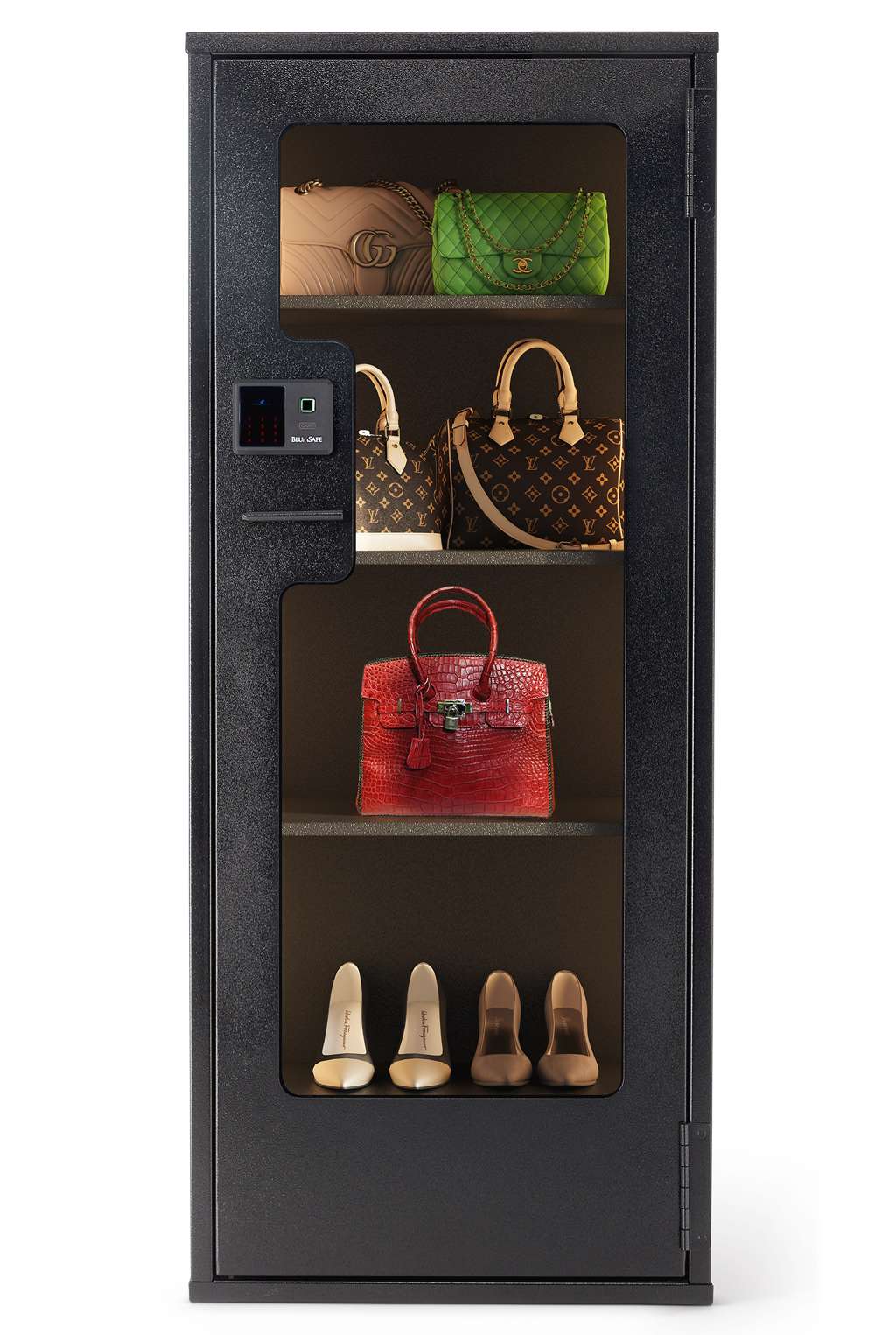
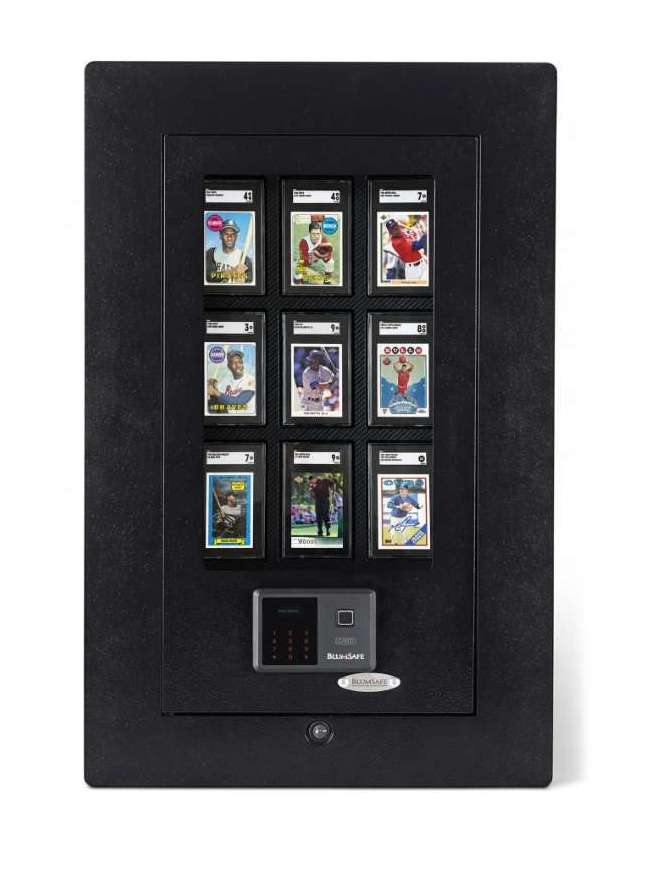
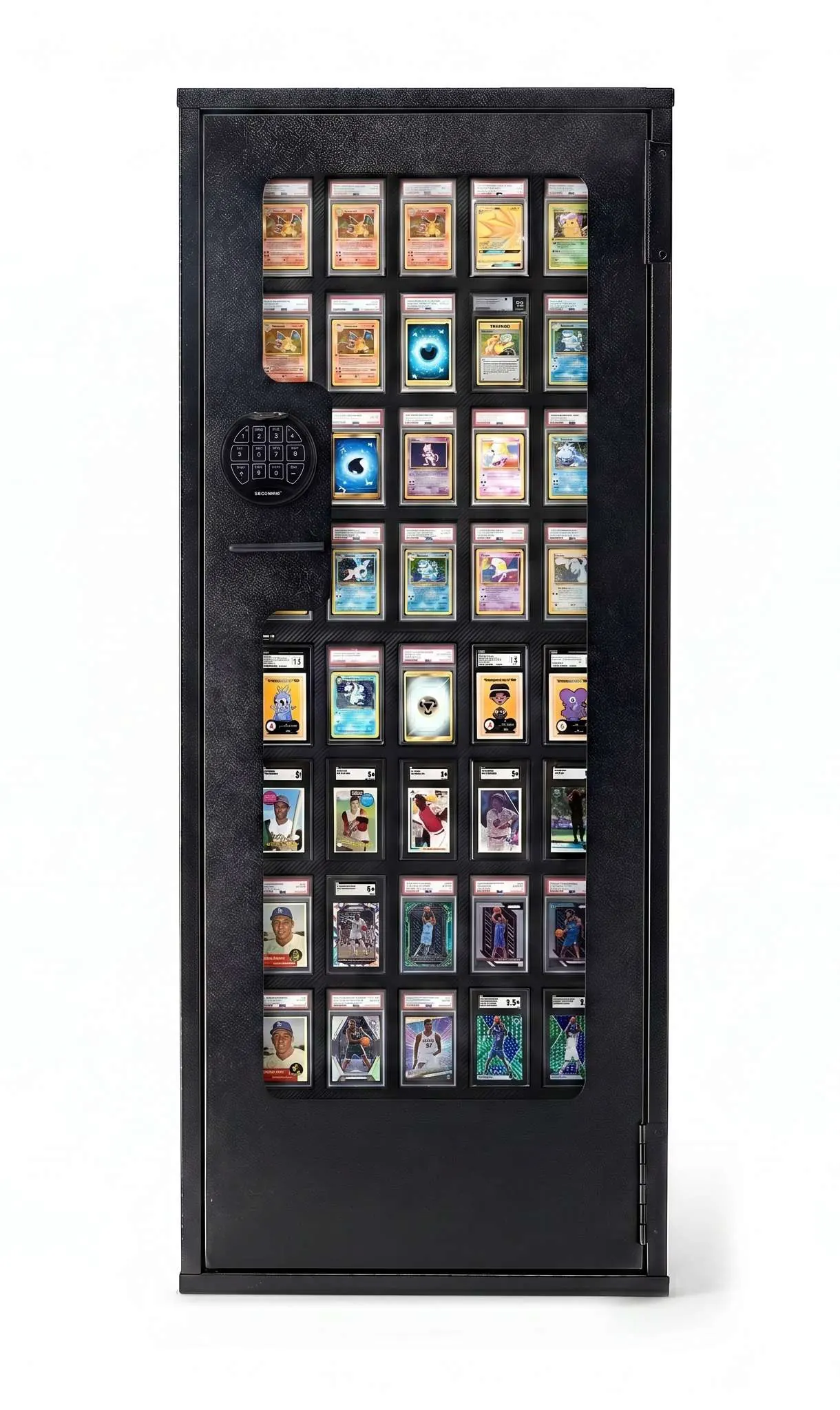
Whether your BlumSafe holds a watch collection, family jewelry, graded cards or a few handbags you’d rather not see walk out the door, the logic is the same. You put these things on display because you love them. A sensor is how you keep loving them from a beach in Tulum or a spa in the Austrian Alps.
And let’s be honest about who the threat usually is. It is rarely a masked stranger. It is far more often someone who already has a reason to be in your home: a contractor, a new housekeeper, a friend of a friend at a party. If you’ve watched Your Friends and Neighbors (I love spotting the watches in that show, and the personalities who remind me of my past career), you know the scenario. A quiet alert on your phone can be of real value if your safe isn’t hardwired to a central alarm system.
What has changed since our 2024 post
- Nest’s contact sensor is gone. Google shut down the Nest Secure system on April 8, 2024, and its Nest Detect sensors stopped connecting to the internet or sending alerts. Please take it off your shopping list.
- SmartThings has a new hub, and the old one has an expiration date. Aeotec now makes the hardware. The Aeotec Hub V3 is supported until the end of 2026, and the new Smart Home Hub 2 adds Matter and Thread but drops Z-Wave. Moving from V3 to Hub 2 means re-pairing your devices.
- Our old favorite, the Shelly Door/Window 2, is being cleared out. It was the rare Wi-Fi sensor that did open/close, vibration, tilt and temperature with no hub. Retailers now list it as no longer sold. Its successor, the Shelly BLU Door/Window, runs on Bluetooth and needs a Shelly gateway.
- Matter has arrived, with an asterisk. Matter lets one sensor work across Apple Home, Google Home, Alexa, SmartThings and Home Assistant. But as you’ll see below, the fancy features often stay behind in the manufacturer’s own app.
- Aqara has become the brand to watch. Its new Multi-State Sensor P100 is, in our view, the best match for a BlumSafe we have seen yet.

Why open/close is easy, but vibration and heat still need a hub
Search Amazon for “door sensor” and you’ll find dozens of cheap gadgets that will tell your phone when your BlumSafe opens. Most run straight off your Wi-Fi. That covers the most basic question: did someone open it?
But a safe sensor earns its keep on the harder questions:
- Vibration or shock: is someone pounding on it, prying at it, or trying to pull it off its mounting?
- Tilt or movement: has the safe, or the sensor inside it, been moved? With a built-in safe, that could mean someone cutting out the studs the safe is bolted to, which is why we share how to harden your installation.
- Temperature and humidity: is there a fire, or is the environment inside the safe drifting somewhere your leather straps, mechanical movements or card slabs won’t like?
Those sensors are listening all the time, not just when a door swings. A Wi-Fi radio is a battery hog, so manufacturers put the always-on sensing on low-power radios like Zigbee or Thread. And low-power radios need a hub to translate for your router.
There is also a BlumSafe-specific wrinkle. A steel box is not radio-friendly. The less power a sensor transmits, the more it helps to have a hub (or a repeater) close by. That was true with SmartThings in 2016, and it is still true today.
Matter doesn’t make this go away. Matter is a common language that lets devices from different brands talk to each other. But when a sensor is shared through Matter, the other platform often only sees the basics. In practice, that usually means you see open/close everywhere, and the vibration and tamper features only in the manufacturer’s own app or a power-user platform.
The sensor we like: Aqara Multi-State Sensor P100
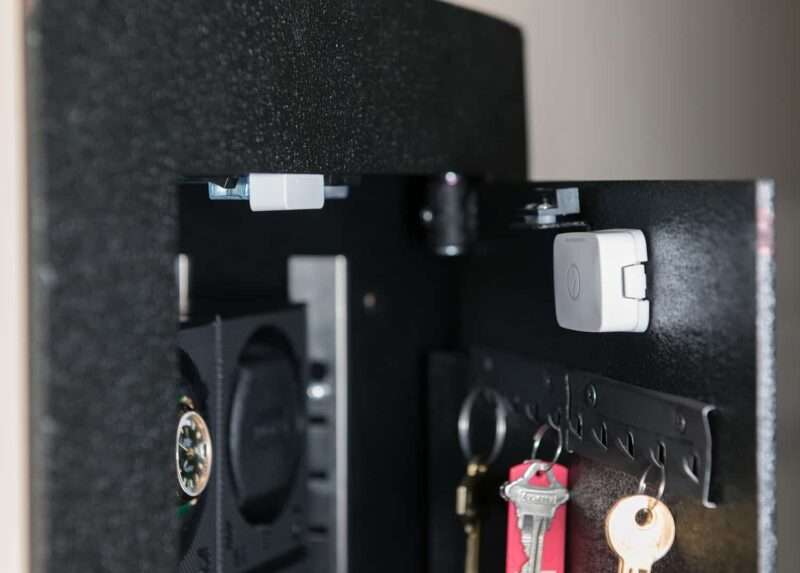
The Aqara Multi-State Sensor P100 launched in the US in spring 2026 at $29.99, and it might as well have been designed for the inside of a BlumSafe door.
Why we like it:
- One piece, no magnet. Traditional contact sensors are two parts that must line up. The P100 uses a 9-axis motion sensor (accelerometer, gyroscope and magnetometer) to know when the door it’s stuck to swings open. Peel, stick, calibrate, done.
- It feels the attack, not just the opening. In Aqara’s “Object Monitoring” mode, it detects movement, tilt, vibration, falls and orientation, with ten sensitivity levels.
- Hinged doors are its sweet spot. Aqara notes the P100 needs a pivoting motion, so it isn’t ideal for sliding doors or pull-out drawers. Every BlumSafe door is hinged.
- It speaks both languages. Zigbee and Matter over Thread, so it works with Apple Home, Google Home, Alexa, SmartThings and Home Assistant.
- Long battery life. Up to 2 to 3 years in Zigbee mode, about 1 to 1.5 years on Thread.
The catch, and it’s an important one:
- The vibration and tamper features only work in Zigbee mode, through an Aqara hub (or a platform like Home Assistant, more on that below).
- Over Matter/Thread, the P100 is just a basic open/close sensor. Independent reviewers have flagged this split too.
- It doesn’t measure temperature. If heat and humidity matter to you (and for watches, leather and card slabs they should), add an additional inexpensive Aqara temperature and humidity sensor to the safe on the same hub. For what to do when that temperature spikes, see Part 2 of this blog piece, on protecting your BlumSafe from a house fire.
In other words, the P100 is the right sensor, but you still need to choose a hub. Here are the two routes we’d take.
Two ways to run it
Route 1: An Aqara hub (the “it just works” option)
If you want the P100’s full feature set without a learning curve, pair it with one of Aqara’s own hubs and use the Aqara Home app.
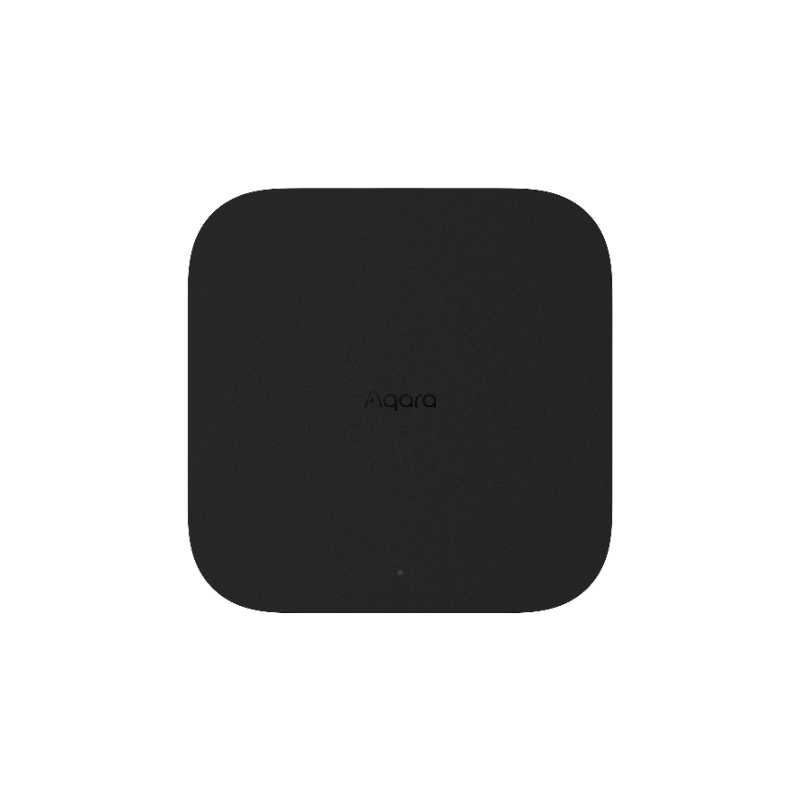
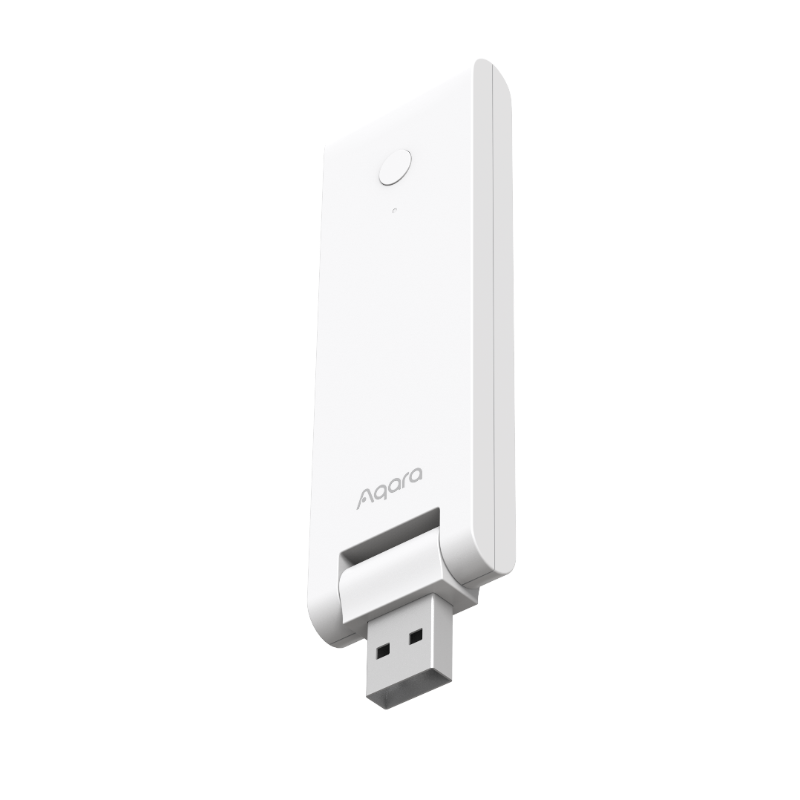
Aqara Hub M3 (left) and Hub M100. Images: Aqara.
- Aqara Hub M100, about $30. A USB stick that plugs into any USB power adapter. It’s a Zigbee hub, Thread border router, Matter controller and Matter bridge in one, and handles up to 20 Zigbee and 20 Thread devices. Plug it in near your BlumSafe and you’re set.
- Aqara Hub M3, about $160. The grown-up version: wired Ethernet with power over Ethernet, up to 127 Zigbee devices, local automations and a built-in 95 dB speaker. That speaker is the interesting part for me. A vibration on the safe can sound an alarm in the room, not just ping your phone.
The nice thing about the Matter bridge built into both: the P100 still shows up in Apple Home, Google Home or Alexa for basic open/close, while the Aqara app handles the smart stuff. You get to keep your favorite app and the tamper alerts.
Aqara also makes a sleek touchscreen panel hub that replaces a light switch, but as of this writing it isn’t sold in the US.
Route 2: Home Assistant (the enthusiast’s option, the one I like the best)
Full disclosure: this is how I run my own BlumSafes. Home Assistant is open-source home automation software, and it is the most flexible platform I’ve used in four decades of tinkering, going back to my X10 modules in the ’80s.
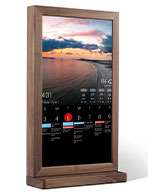
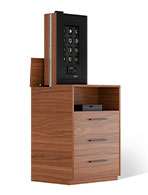
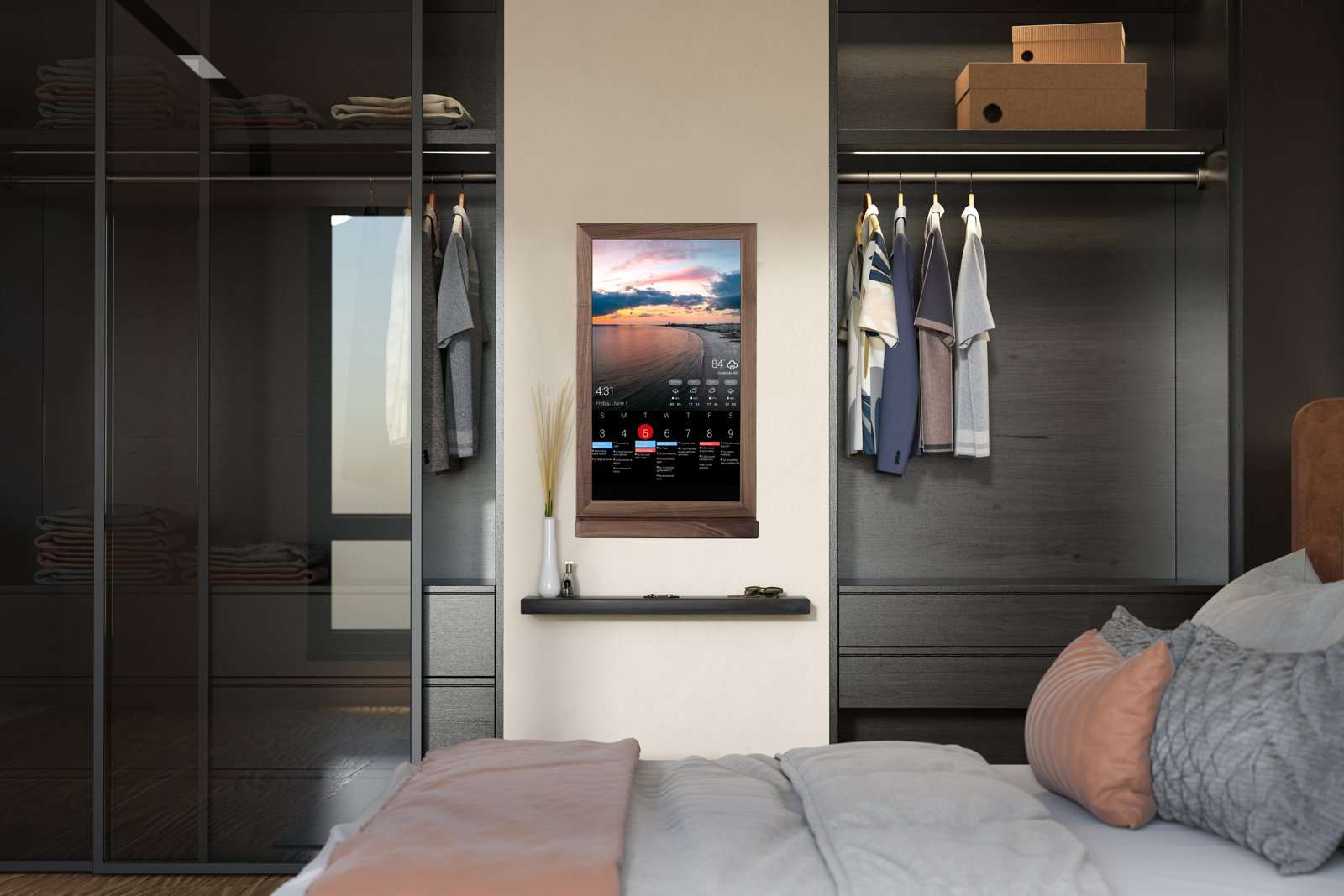
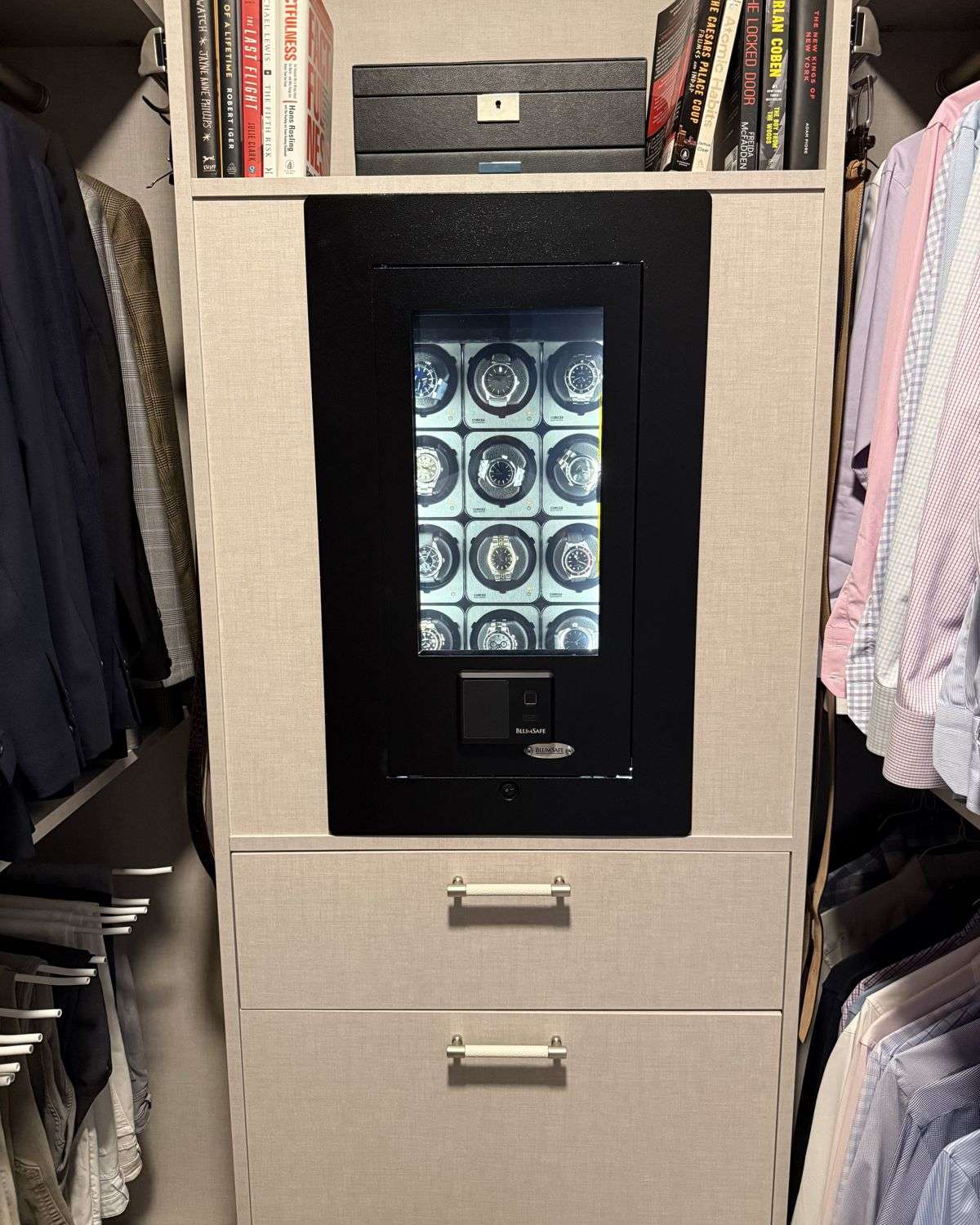
It also pairs beautifully with the BlumSafe Screen, which hides your safe behind a hinged display. Our touchscreen version can show your Home Assistant dashboard, so the wall that conceals your safe can also tell you it’s secure.
- The hardware is now turnkey. The official Home Assistant Green box (about $199) plus the Connect ZBT-2 radio (about $49) gives you Zigbee, Thread and Matter with no Raspberry Pi tinkering required.
- It’s a great match for the P100. You can run the P100 with no Aqara hub at all, and tie it into virtually anything else in your home: lights, sirens, cameras, locks, even your Shelly gear.
- Everything stays local. Your safe’s comings and goings stay on a box in your house rather than in somebody’s cloud, which speaks to the (mildly) paranoid side of me.
- Remote access is optional, and inexpensive. If you want to check on things from the road, Home Assistant’s own cloud service (recently renamed Home Assistant Link) runs about $6.50 a month or $65 a year. I think it’s money well spent: the subscription funds the people who build Home Assistant, so it isn’t likely to vanish the way some device-only smart home companies have.
The honest downside: there is a learning curve. Setup is far easier than it was a few years ago, but figuring out your own automations takes some patience. If you enjoy that sort of thing, you’ll love it.
So think of it as a trade-off. An Aqara hub gives you simplicity: plug it in, open one app, and the alerts work. Home Assistant gives you flexibility: it can do almost anything, but you have to tell it how. If you just want to know when your safe is touched, go with Route 1. If you want your safe to be one piece of a whole-house system, Route 2 is worth the effort.
Other options still worth knowing
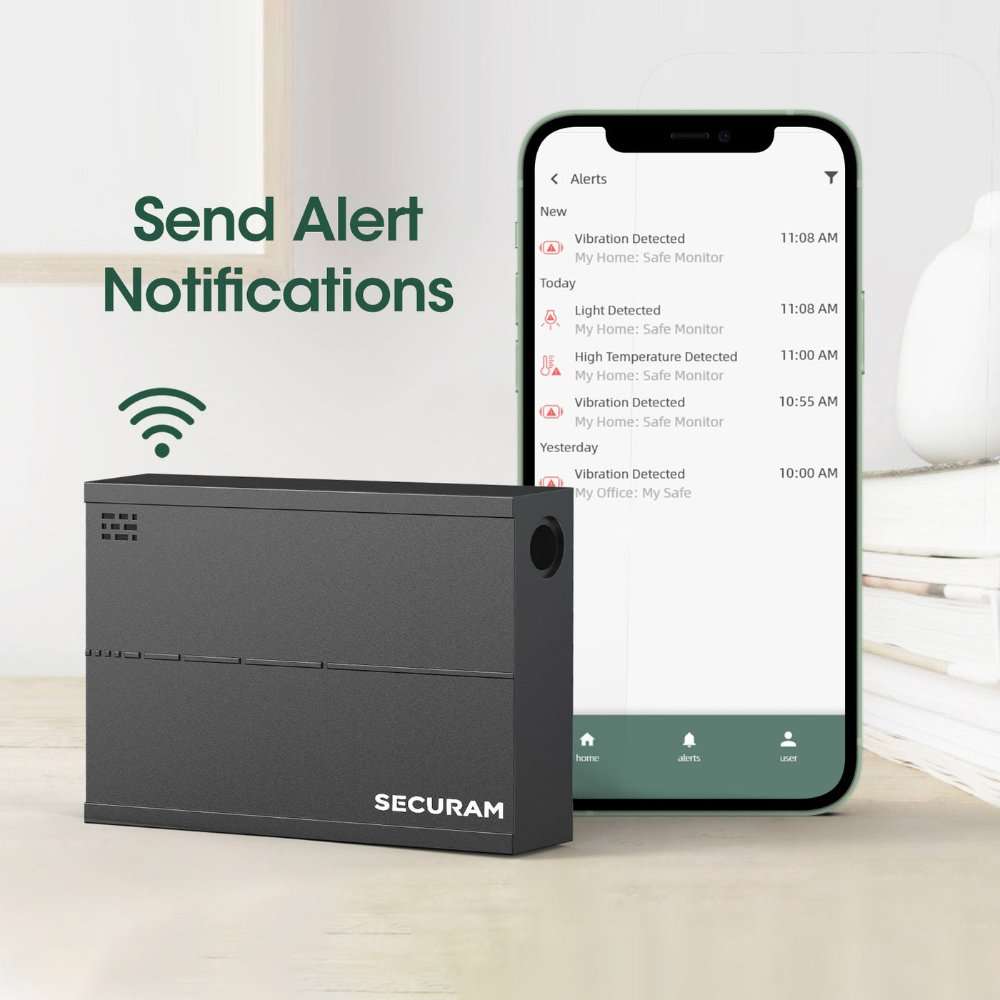
- Securam Safe Monitor. Still the purpose-built, no-hub answer. It runs on Wi-Fi and reports door status, vibration, temperature and humidity to Securam’s own app, with an optional AC adapter instead of batteries. It ships with a long external antenna that can be routed out through a small hole, which makes it our pick for the steel-heavy BlumSafe Professional. Dealers list it from about $179. The trade-off: it lives in its own app and won’t join the rest of your smart home.
- Ring Alarm Contact Sensor. If you already have a Ring Alarm base station, it’s a cheap and easy open/close sensor. Still no vibration or temperature, and the base station is, of course, a hub by another name.
- Shelly BLU Door/Window. If your home is already full of Shelly switches (mine is), any recent Shelly device acts as its gateway. It reports open/close, tilt angle and light level, but not vibration or temperature.
Already on SmartThings?
No need to rip anything out. Your existing multisensor and hub will keep working for now. Two things to know:
- Plan for the Hub V3’s end of support at the end of 2026. If you move to the Aeotec Smart Home Hub 2, expect to re-pair devices and rebuild your routines.
- The P100 will join SmartThings over Matter, but only as an open/close sensor. If you want its vibration alerts, an Aqara hub or Home Assistant is the way to get them.
Quick picks
| If you are… | Sensor | Hub or platform | What you get |
|---|---|---|---|
| Starting fresh, want it simple | Aqara P100 | Aqara Hub M100 | Open/close, vibration and tamper alerts in the Aqara app |
| Want an audible alarm too | Aqara P100 | Aqara Hub M3 | All of the above, plus a 95 dB siren in the room |
| A tinkerer who wants total control | Aqara P100 | Home Assistant Green + ZBT-2 | Full alerts, local control, links to anything |
| Own a BlumSafe Professional, want no hub | Securam Safe Monitor | None (Wi-Fi) | Door, vibration, temperature and humidity, external antenna |
| Only want open/close in Apple, Google or Alexa | Aqara P100 | Your existing Matter/Thread controller | Open/close only |
Installation tips for your BlumSafe
- Mount the sensor on the inside of the door, away from the lock mechanism and the winder motors.
- Calibrate it in place. The P100 learns the door’s closed and open positions. Do it on the safe, not on your desk.
- Keep the hub close. Steel blocks radio signals. A Display Door BlumSafe’s Lexan window helps; an all-steel door less so. Put the hub (or a mains-powered Zigbee repeater) in the same room and test before you rely on it.
- Set vibration sensitivity sensibly. Too high and every slammed closet door pings you. Start in the middle and adjust over a week.
- Change sensor batteries when you change your lock batteries. One reminder, two jobs.
A few automations we like
- Safe opens while everyone is away: push alert to two phones, turn on the room lights.
- Vibration detected at any time: sound the M3’s siren (or a siren on your Home Assistant), flash the lights, start any camera clips.
- Safe opens during a scheduled work visit (cleaners, contractors): a quiet notification, so you know without making it awkward.
- Humidity inside the safe drifts out of range: a reminder to check the desiccant, if you use one.
The sensor is the last layer, not the first
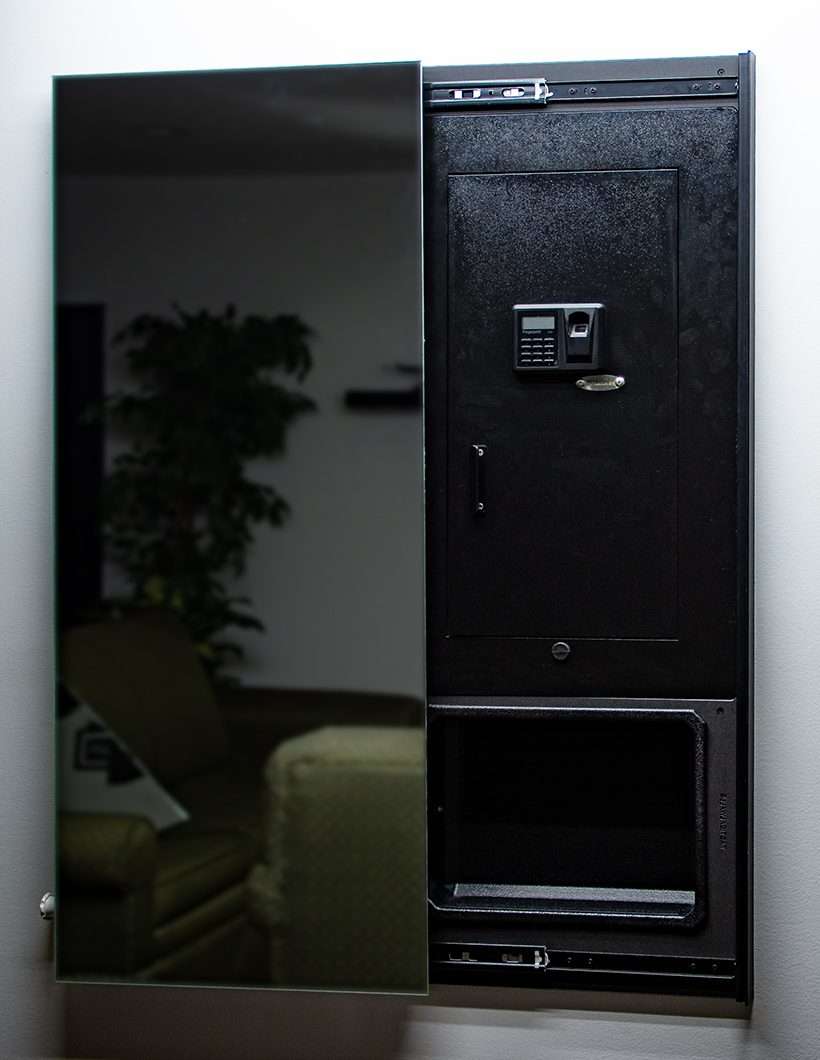
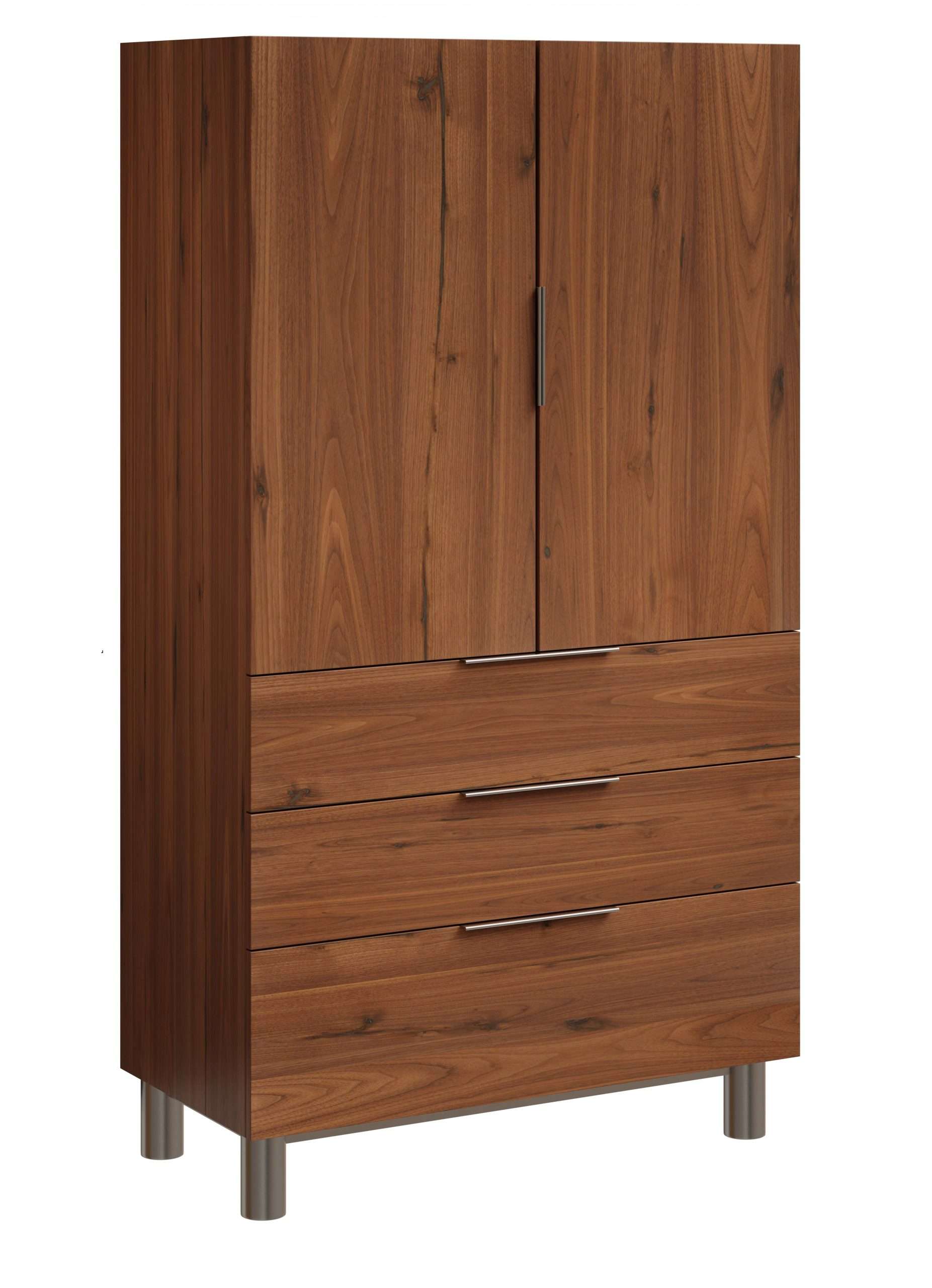
An alert is the final step in a layered approach to protecting your property. Before anyone gets to the point of shaking your safe, they should have trouble finding it. That’s why we built concealment options like the Screen, the Mirror and the Concealment Cabinet, or you can simply hang a hinged painting over it. And whatever you collect, from watches to graded cards, please keep it properly insured.
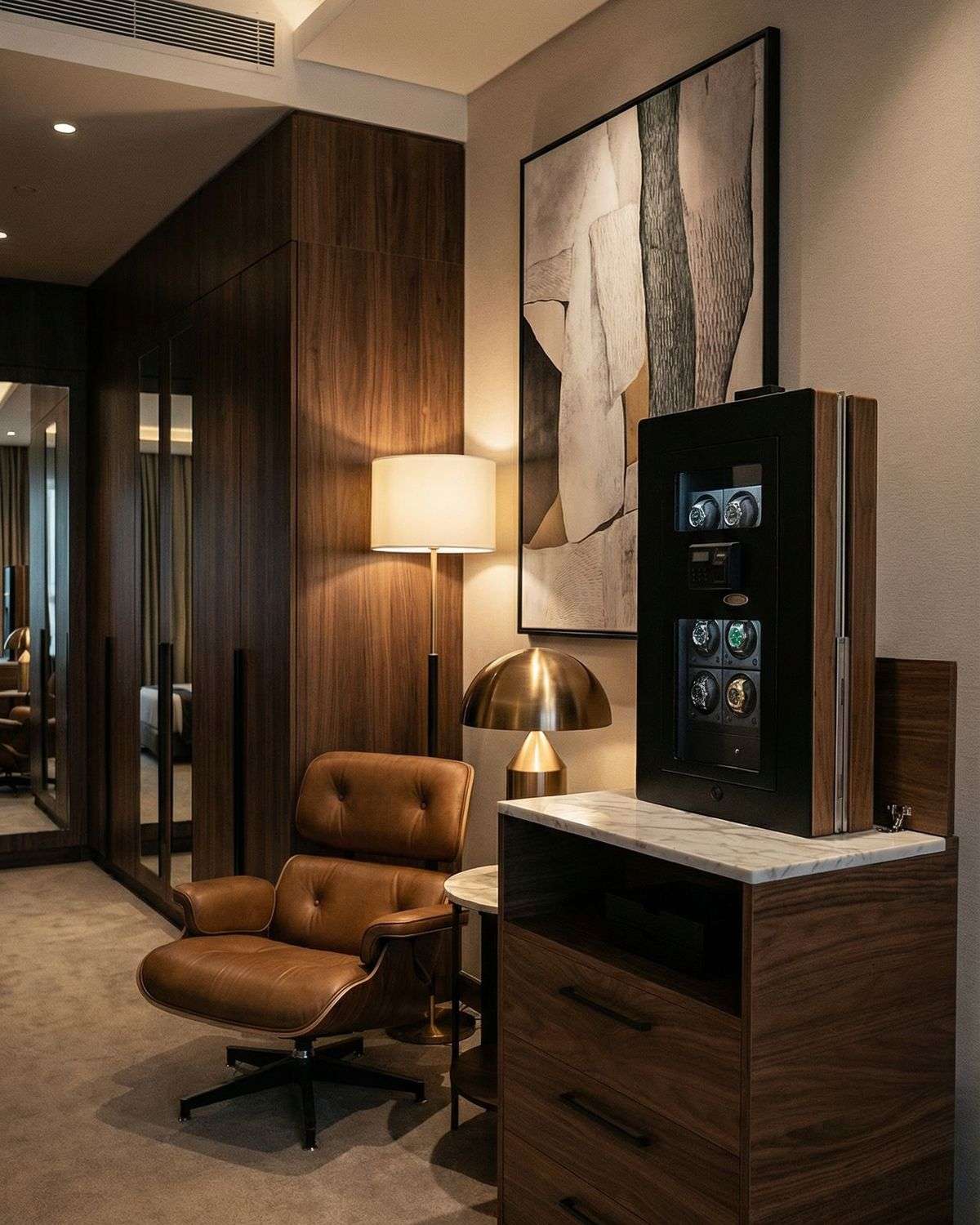
Not sure which BlumSafe fits your collection? Our Help Me Choose page is a good place to start.
Tell us how you’ve set yours up
Some of our best ideas have come from customers. If you’ve wired your BlumSafe into Home Assistant, built a clever automation, or found a sensor we haven’t mentioned, write to us at support@blumsafe.com. We’d love to feature your setup in a future post.
Frequently asked questions
Can I get an alert on my phone when my safe is opened?
Yes. A small smart sensor stuck to the inside of the safe door can send an alert to your phone the moment it opens. Basic open/close sensors are inexpensive and easy to set up.
Do safe sensors need a hub?
For open/close alerts alone, often not. For vibration, tamper and tilt alerts, yes. Those sensors listen all the time, so they use low-power radios like Zigbee or Thread, which need a hub such as an Aqara hub or Home Assistant.
What is the best sensor for a wall safe in 2026?
In our experience, the Aqara Multi-State Sensor P100. It is a single piece with no magnet to align, and through an Aqara hub or Home Assistant it detects opening, vibration, tilt and movement.
Will a wireless sensor work inside a steel safe?
Usually, with the hub nearby. Steel weakens radio signals, so keep the hub or a repeater in the same room and test before you rely on it. For the heavier BlumSafe Professional, we recommend the Securam Safe Monitor, which has an external antenna.
Does Matter support vibration and tamper alerts?
Not yet, in most cases. Over Matter, sensors like the P100 typically share only open/close. The advanced alerts stay in the manufacturer’s app or in Home Assistant.
A note on our recommendations
This post reflects our own experience and our best research as of October 2026. Smart home and safety products change constantly: manufacturers update firmware, features, compatibility and pricing, and occasionally discontinue products altogether. Please confirm current specifications with the manufacturer before you buy, follow their installation guidance, and test any setup before you rely on it. BlumSafe is not paid by, and has no affiliation with, any of the companies or products mentioned here. These are simply the products we like.
About the author
Rob Blum is the founder of BlumSafe, the North Carolina company that designs and builds built-in safes, concealment furniture and related accessories, all made in the USA. A lifelong watch collector who has been tinkering with home automation since the 1980s, he started BlumSafe in 2016 and has been writing about protecting collections ever since.